How to Register Your Code as a Plugin Application
After creating our plugin, we need to register it so that we can place it in our developer cabinet, which we created in the previous step.
- Go to the IDE in our project and find the root directory of the plugin, in our case, it's the
pluginfolder. - Right-click on the folder, then select
metadataandregister plugin application.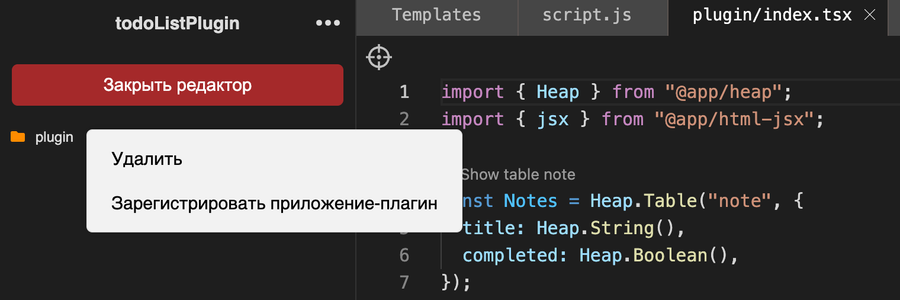
- We need to enter the name of our plugin; this will be its temporary name until publication, and it will have the prefix
"dev-". Once the plugin passes review, the"dev-"will be removed. Remember your slug, as it will be needed in the next step. and click save.
Now our plugin is registered and available for linking to the developer cabinet.